> ## Documentation Index
> Fetch the complete documentation index at: https://docs.openfuturecoalition.org/llms.txt
> Use this file to discover all available pages before exploring further.
# Event Publishing
> Coordinate events and milestones
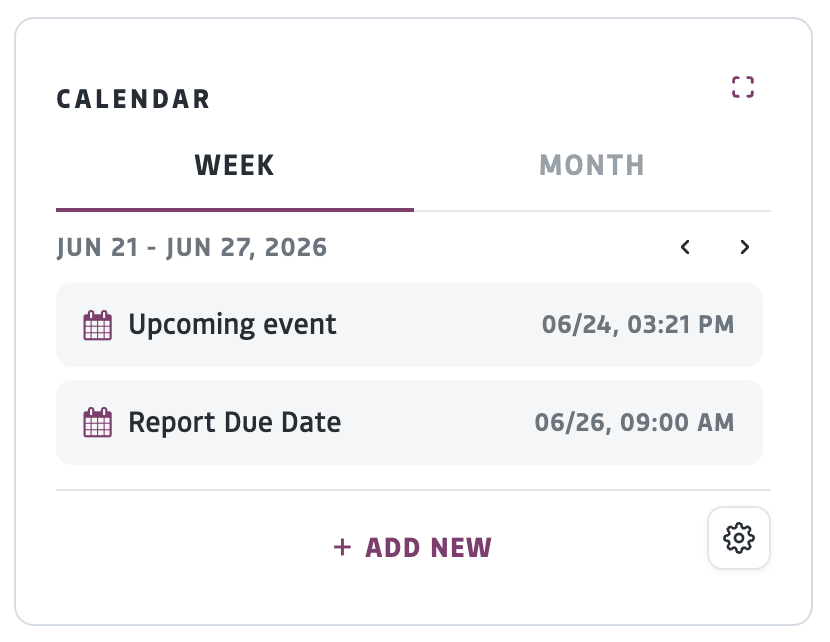 The calendar is found in the Feed across platform areas, including groups, projects, and profiles. Assigned tasks with set start and end dates automatically appear on the calendar. To add to a calendar, you need to publish an event.
* The Title and Start and End times are required, all other fields are optional
* To edit the privacy settings, click the gear icon. By default, the event will be visible to the members of the group or project you are creating the event within
A notification will be sent to the members of that group or project.
# FAQ
The calendar is found in the Feed across platform areas, including groups, projects, and profiles. Assigned tasks with set start and end dates automatically appear on the calendar. To add to a calendar, you need to publish an event.
* The Title and Start and End times are required, all other fields are optional
* To edit the privacy settings, click the gear icon. By default, the event will be visible to the members of the group or project you are creating the event within
A notification will be sent to the members of that group or project.
# FAQ