
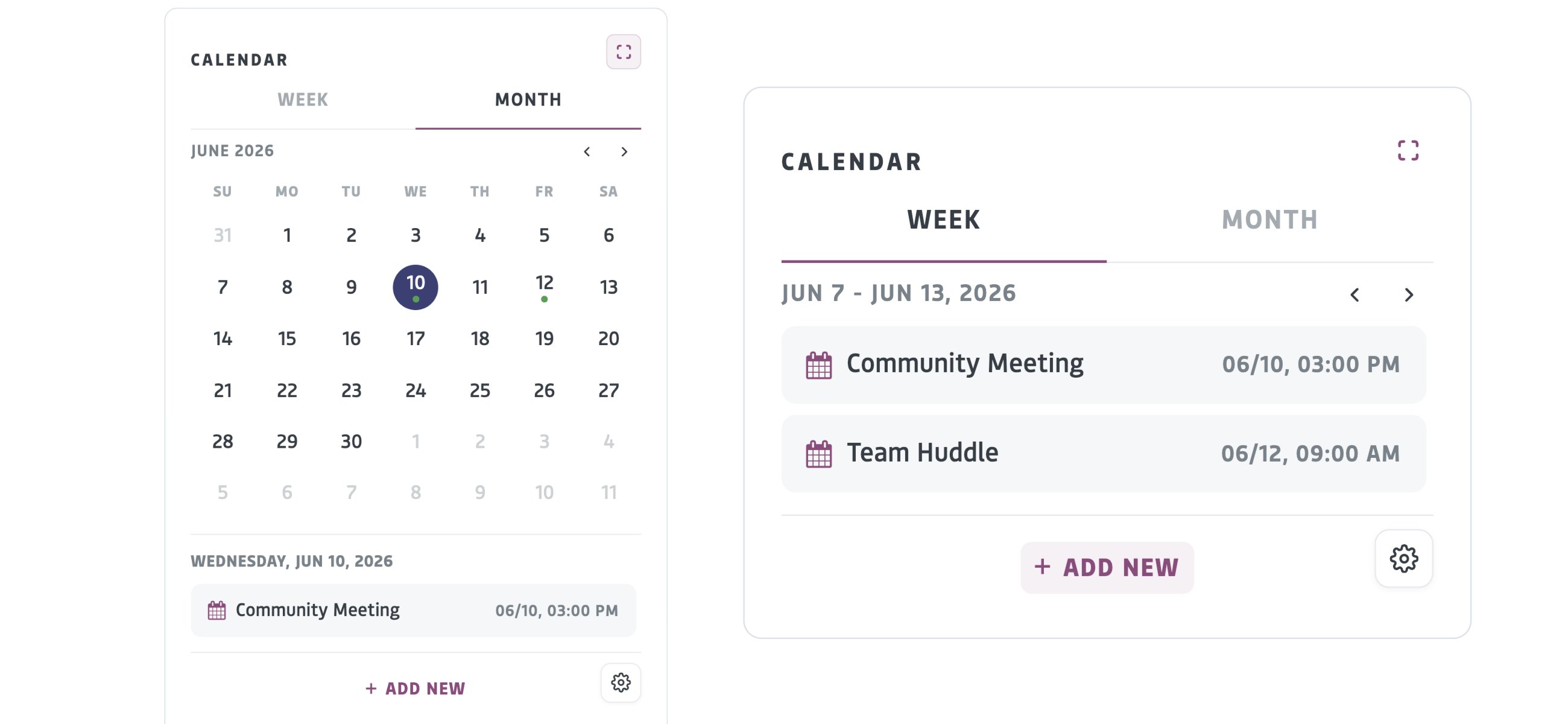
- You can toggle between week and month views in the calendar. By default, the calendar displays events only. To show tasks or both tasks and events, click the gear icon at the bottom of the calendar.
- When viewing a group or project page, the calendar will display events relevant to that group or project. It provides a shared space to coordinate meetings, milestones, and events, ensuring that collaborators remain aligned throughout the work lifecycle.
- When viewing the calendar in your profile, you will see an aggregate of events from the groups and projects you are part of, and you can add your own events.