
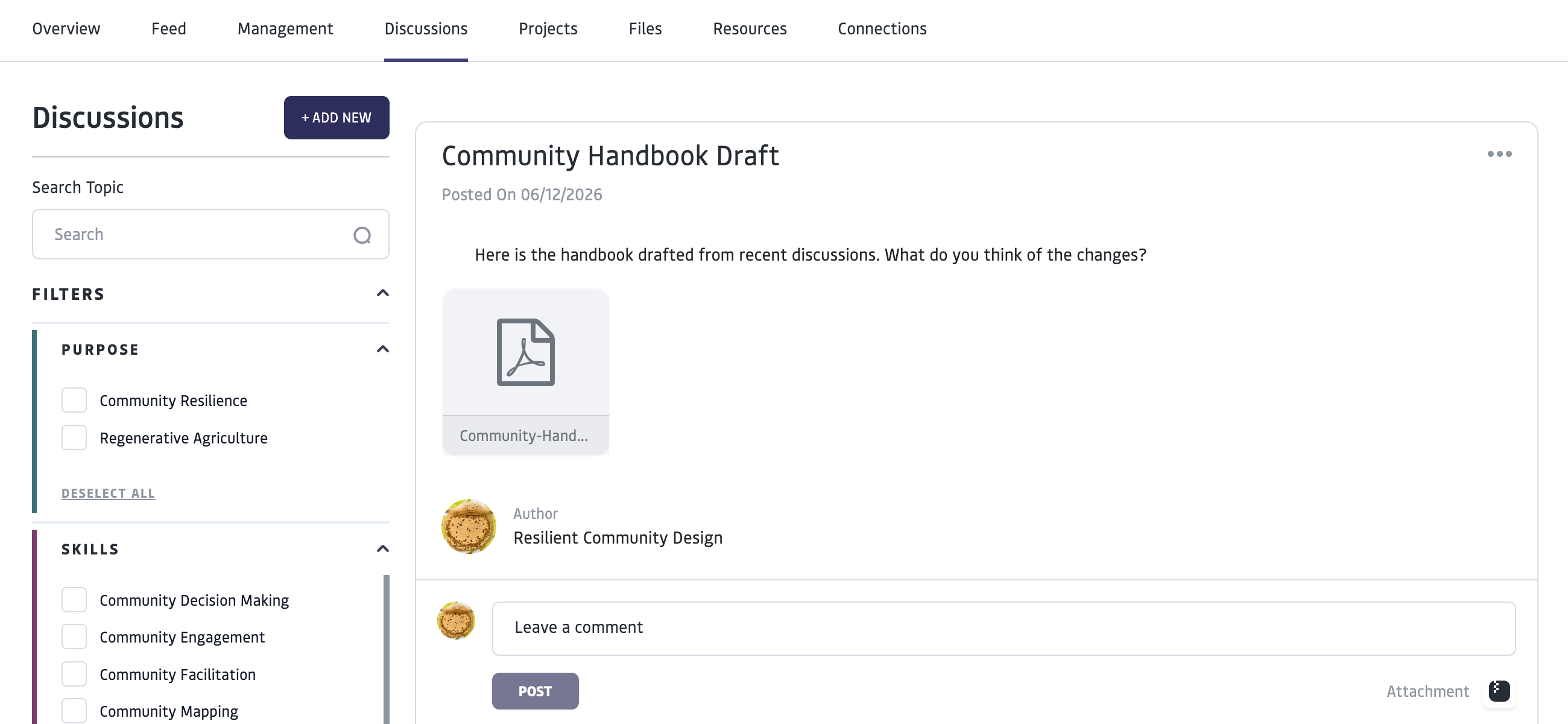
Discussion threads are best used for organizing knowledge and ongoing discussions of topics. For current updates and quick communications, consider using the Feed, which holds a running set of posts in chronological order.
Use Discussions

Create a Discussion
Only Community Managers can create a new “Discussion” topic for a Group or Project. You can create a Discussion in your own personal profile and add “Connections” to join your Discussion, but it will only be visible to the connections you invited- not on a group or project level.1
Navigate to the project or group and select Discussion
2
Click the ‘Add new’ button and fill in the fields.
Add tags for the thread to be searchable by purpose, skills and knowledge._Consider what tags will make this thread most discoverable for other members. _
3
Click ‘Create’ when you are finished to post the discussion
When you create the Discussion, Discussion participants will receive an email notification and platform notification when a new discussion topic is created.
Manage Discussions
The creator of a group or project as well as managers are able to:- Post new discussion threads and edit the discussions they create
- Moderate threads (including deleting comments)