
1
Navigate to the ‘Feed’ within a group or project
2
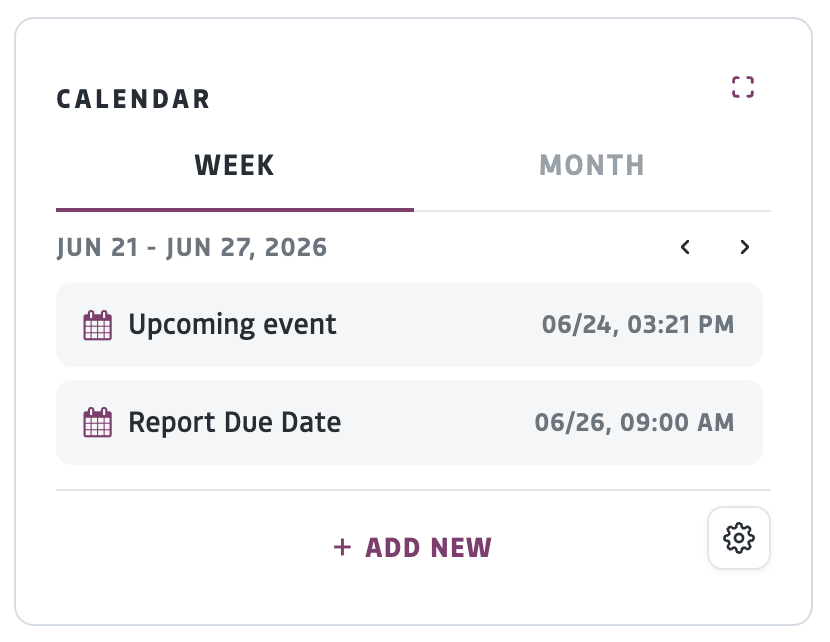
Under the Calendar, click ‘Add New’ and fill out the fields with the event information
- The Title and Start and End times are required, all other fields are optional
- To edit the privacy settings, click the gear icon. By default, the event will be visible to the members of the group or project you are creating the event within
3
Click ‘Save’ to publish your event.
A notification will be sent to the members of that group or project.