
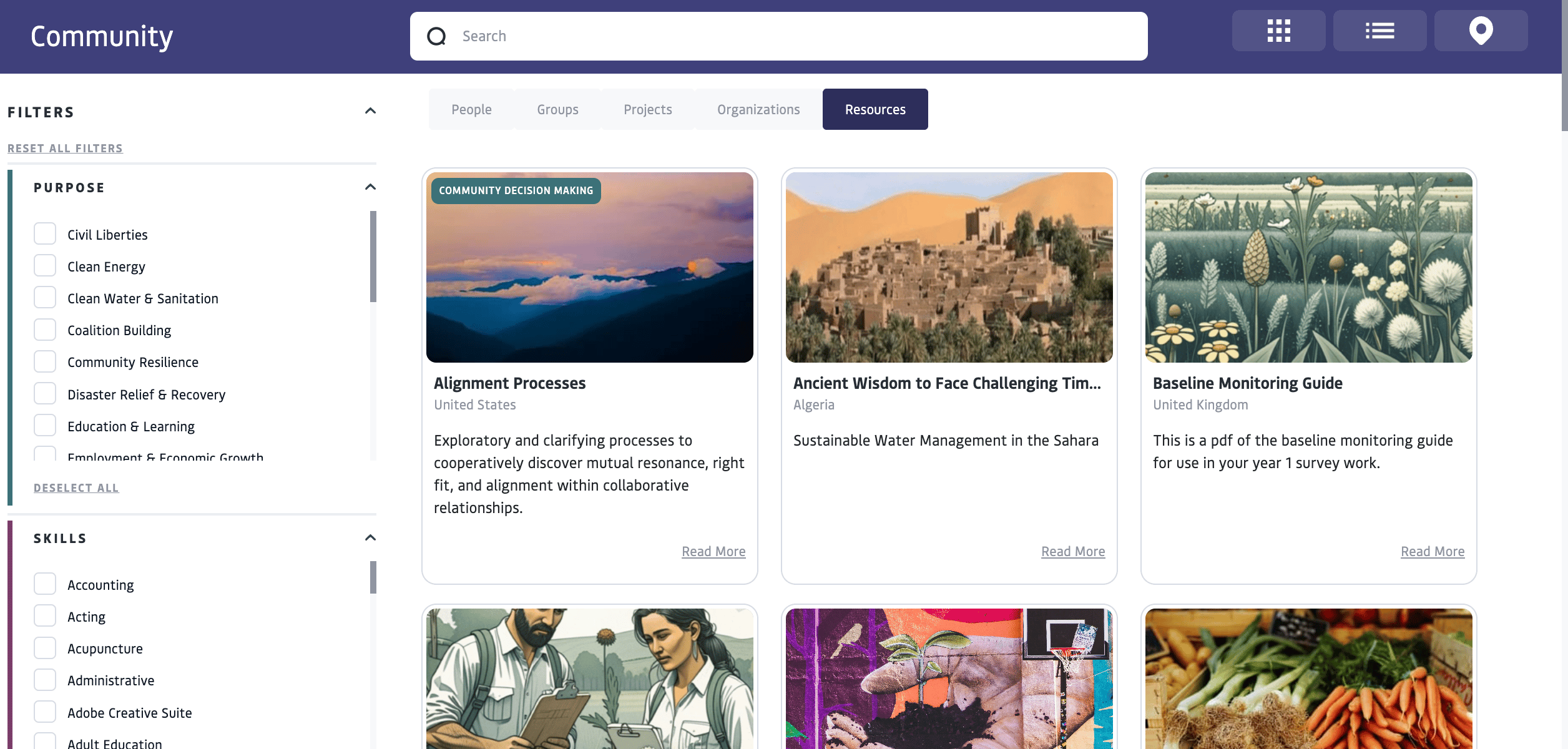
Resource Library
Public resources are added to The Open Impact Resource Library, a curated, shared collection of practices, tools, and knowledge intended to support the wellbeing of the planet, people, and place.To contribute to this effort, on the description page of the resource, add ‘Public’ privacy and select ‘Yes’ under ‘Show in resource library?’
Review & Approval
All resources marked for inclusion in the Public Resource Library are reviewed by the OFC team before appearing in the shared community view. Review is based on:- Relevance to the broader community
- Alignment with OFC focus areas
- Clarity, completeness, and appropriate attribution
- Share a resource directly via link
- Use a resource within specific groups or collaborations
Stewardship & Attribution
Resource authors and sponsoring organizations retain responsibility for:- Setting visibility and access permissions
- Clearly noting usage restrictions, licenses, or attribution requests
- Ensuring shared materials are appropriate for public reuse
- In the resource description
- On any attached files
FAQ
How do I view a resource?
How do I view a resource?
Public resources are viewed in the Open Impact Community Tab under “Resources”. You can access Resources curated for you through the “Resources” tab of a group or project that you are a collaborator in.
Can I add a Resource as an individual or as an organization?
Can I add a Resource as an individual or as an organization?
Resources are typically curated and/or created by Organizations. If you are an individual who wants to add a Resource to a group or project that you are a collaborator in, you can reach out to the community manager or organizational admin to request to become a Resource Author on behalf of the organization.
How do I publish a Resource?
How do I publish a Resource?
Select My Resources to “create a new resource”. Use the Resource Publishing tool to add information and context about your resource, set visibility, and attach files. After submitting, you must use the “Publishing Wizard” to check your work and make your resource visible to the designated groups or people. Learn more about Resource Publishing.